![[DEV]Schenectady Photographic Society](https://dev.spsphoto.org/wp-content/uploads/2020/03/newsitelogo5-e1584673483198.png)
Making Custom LUTS in Photoshop
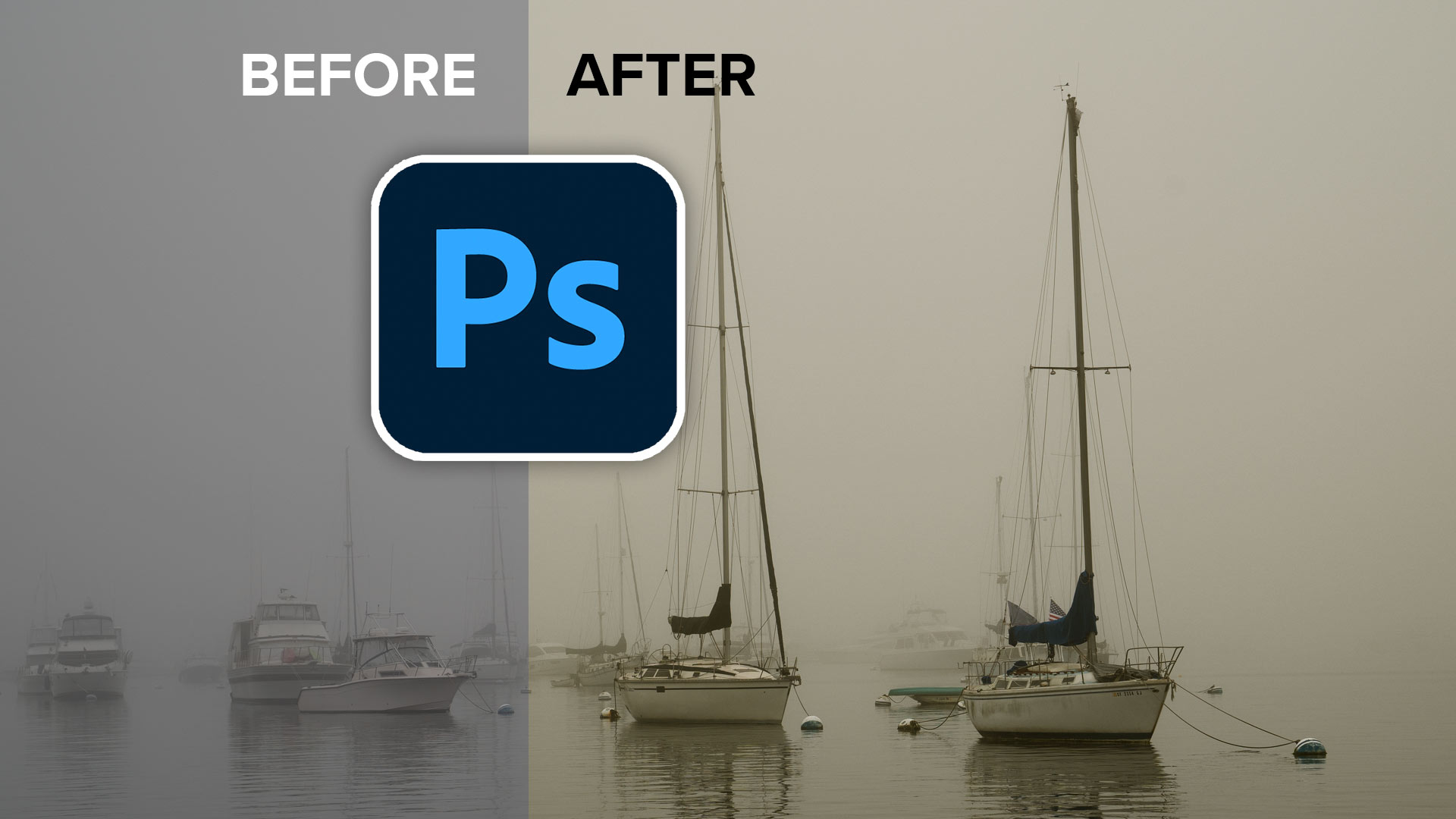
If you want to make a LUT in Photoshop, it’s actually quite simple. I’ll give it to you in a nutshell here and then break it down, step by step.
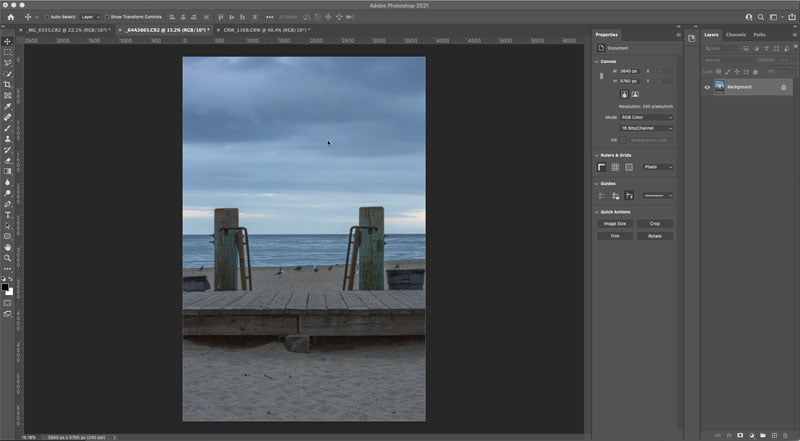
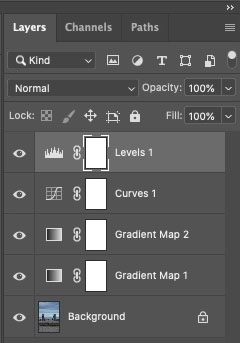
Create some adjustment layers on your image
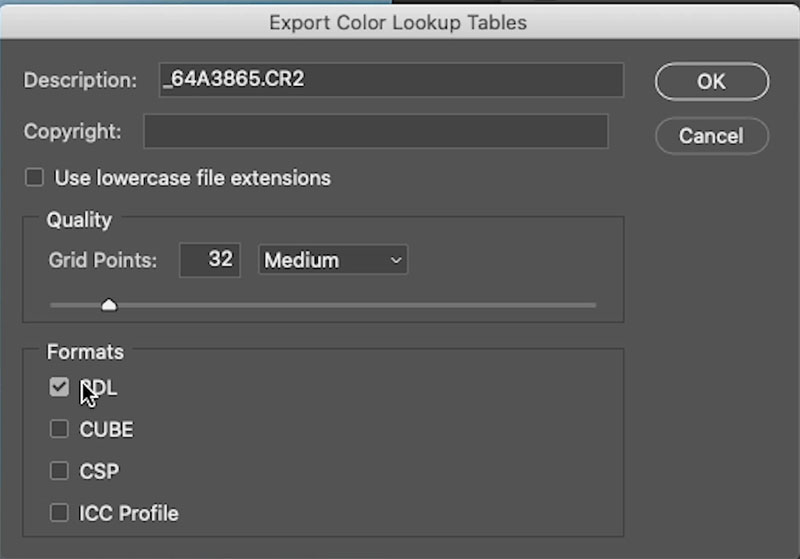
Choose Files>Export>Color Look Up Tables
Choose 3DLut, or Cube
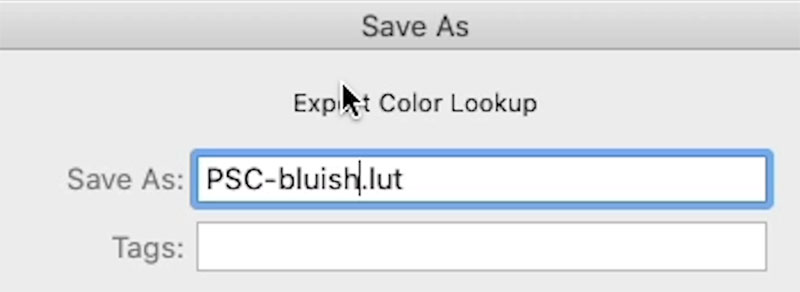
Name it and save it.
Watch the video to see all the steps and an explanation of what’s going on.
Here is a tutorial on how to use LUTS and how to add them to the menus in Photoshop
I also have a whole bunch of LUTS and goodies to give you right here.
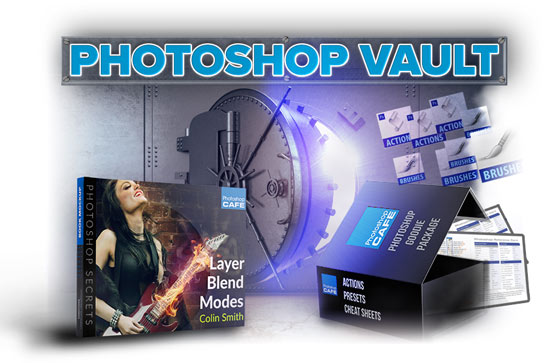
The Photoshop Vault, is jammed full of goodies
- Actions
- Presets for Lightroom
- LUTS
- Preset for Photohop
- Stunning Skies for sky replacement
- Layer Blending Modes ebook
- Cheat Sheets
- Super Guide
- More…
All of this is free, right here
The post How to Make a LUT In Photoshop appeared first on PhotoshopCAFE.