![[DEV]Schenectady Photographic Society](https://dev.spsphoto.org/wp-content/uploads/2020/03/newsitelogo5-e1584673483198.png)
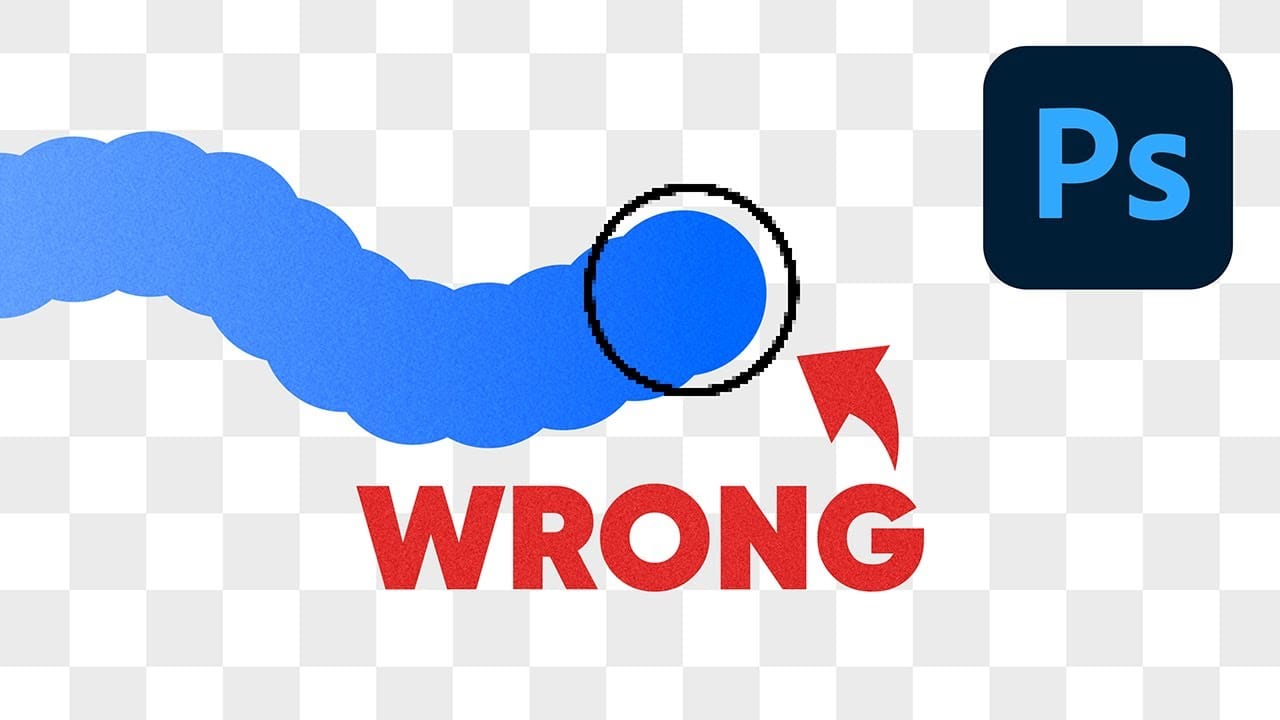
One of the most frustrating issues Photoshop users encounter is when their brush strokes suddenly become uneven or thicker than expected. You might start painting with a smooth brush only to see a jagged "caterpillar" effect appear, or notice your soft brush creating strokes that are much thicker
Read the full article here: Why Your Photoshop Brush Creates a Caterpillar Effect (And How to Fix It) Photoshop Roadmap