Skip to content
[DEV]Schenectady Photographic Society

[DEV]Schenectady Photographic Society

Established 1932
[DEV]Schenectady Photographic Society
Menu
  • Home
  • Downloads
    • The Focus
    • Annual Reports
    • New Member Info
  • Competitions
    • Assigned Topics for 2025-2027
    • Print
      • Competition Galleries
      • Competition Results
        • 2024-2025
        • 2023-2024
        • 2019-2020
        • 2018-2019
        • 2017-2018
        • 2016-2017
        • 2015-2016
      • Competition Rules
      • Submission Card Creator
    • Digital Image
      • Submit Images
      • Submissions
        • 2024-2025
        • 2023-2024
        • 2022-2023
        • 2021-2022
        • 2020-2021
        • 2019-2020
        • 2018-2019
        • 2017-2018
        • 2016-2017
        • 2015-2016
      • Competition Results
        • 2024-2025
        • 2023-2024
        • 2022-2023
        • 2021-2022
        • 2020-2021
        • 2019-2020
        • 2018-2019
        • 2017-2018
        • 2016-2017
        • 2015-2016
      • Preparation Guidelines
      • Competition Rules
    • Photo Essay
      • Competition Rules
  • Programs
    • Mentoring
    • Field Trips
    • Traveling Exhibits
  • Events
    • Full Events Calendar
    • Luba Ricket Creativity Award
      • Submission Form
  • News
    • Announcements
    • Photoshop
    • Lightroom
  • Links
  • About SPS
    • Our FAQ
    • Directions
    • By-Laws
    • Constitution
    • Board of Directors
    • Betty Barker Award
    • Liability Waiver and COVID Safety Requirements Agreement
    • SPS In the News
      • Heritage of Vision - 518 Profiles Magazine
      • 80th Anniversary - Daily Gazette
  • Join Us
CLOSE
[DEV]Schenectady Photographic Society

Upcoming Events

January 21, 2026
  • Event Night  Add to Calendar
    7:00 pm - 9:00 pm
    5 days ago
    See more details

January 28, 2026
  • Event Night  Add to Calendar
    7:00 pm - 9:00 pm
    2 days from now
    See more details

February 4, 2026
  • Print Competition  Add to Calendar
    7:00 pm - 9:00 pm
    1 week from now
    See more details

February 11, 2026
  • Digital Competition  Add to Calendar
    7:00 pm - 9:00 pm
    2 weeks from now
    See more details

February 18, 2026
  • Event Night  Add to Calendar
    7:00 pm - 9:00 pm
    3 weeks from now
    See more details

February 25, 2026
  • Event Night  Add to Calendar
    7:00 pm - 9:00 pm
    4 weeks from now
    See more details

March 4, 2026
  • Print Competition  Add to Calendar
    7:00 pm - 9:00 pm
    1 month from now
    See more details

March 11, 2026
  • Digital Competition  Add to Calendar
    7:00 pm - 9:00 pm
    1 month from now
    See more details

March 18, 2026
  • Photo Essay Competition  Add to Calendar
    7:00 pm - 9:00 pm
    2 months from now
    See more details

March 25, 2026
  • Event Night  Add to Calendar
    7:00 pm - 9:00 pm
    2 months from now
    See more details

April 1, 2026
  • No Meeting - Passover  Add to Calendar
    12:00 am - 11:59 pm
    2 months from now
    See more details

April 8, 2026
  • Print Competition  Add to Calendar
    7:00 pm - 9:00 pm
    2 months from now
    See more details

April 15, 2026
  • Digital Competition  Add to Calendar
    7:00 pm - 9:00 pm
    3 months from now
    See more details

Category: News

Cheer up your designs with this Magical Summer Designs bundle

Nowadays, becoming a graphic designer isn’t a difficult task. With a plethora of design resources available online, all you have to do it just find some pretty and apt material. However, finding these resources take…

View More Cheer up your designs with this Magical Summer Designs bundle

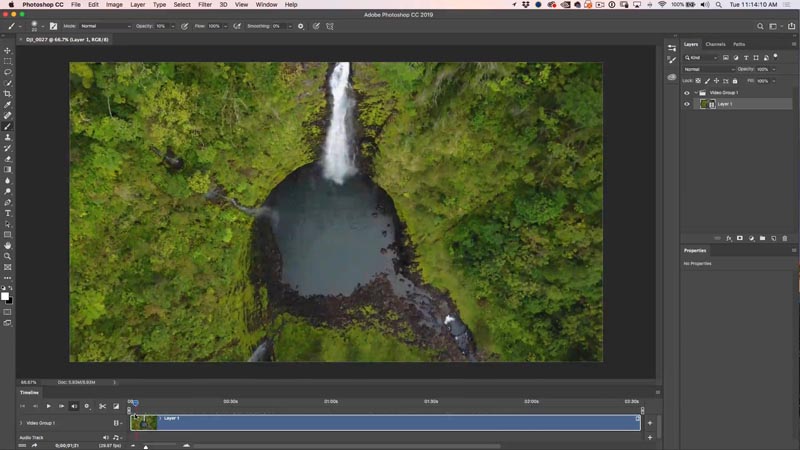
How To Edit Video in Photoshop: Free mini Course

  Step 1. Importing Video into Photoshop To import a video into Photoshop, choose File>Open and select a video. Photoshop will open the timeline (Window>Timeline) and create a new video document using the settings from…

View More How To Edit Video in Photoshop: Free mini Course

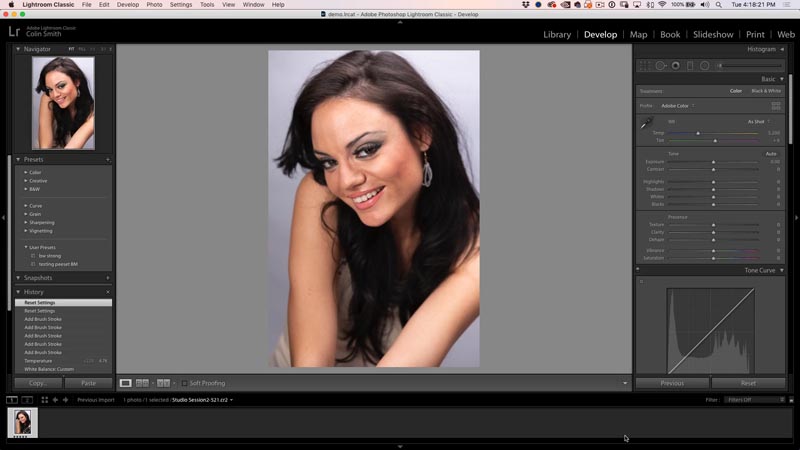
How to retouch a face in Lightroom or Camera Raw

  Begin with a photo in Lightroom or Camera RAW.  This is model, Lina that I photographed with a Canon 5D. Step 1 Choose the develop module. Step 2. Whitening teeth Choose the Adjustment Brush.…

View More How to retouch a face in Lightroom or Camera Raw

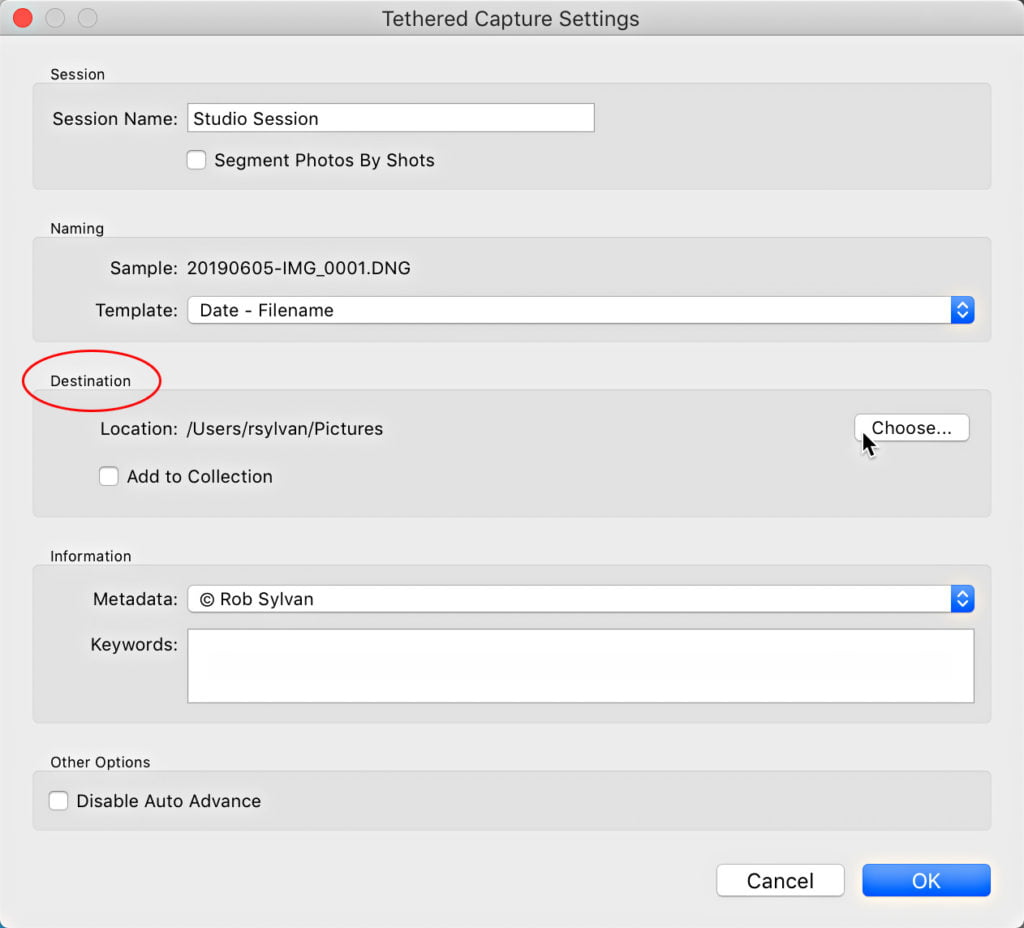
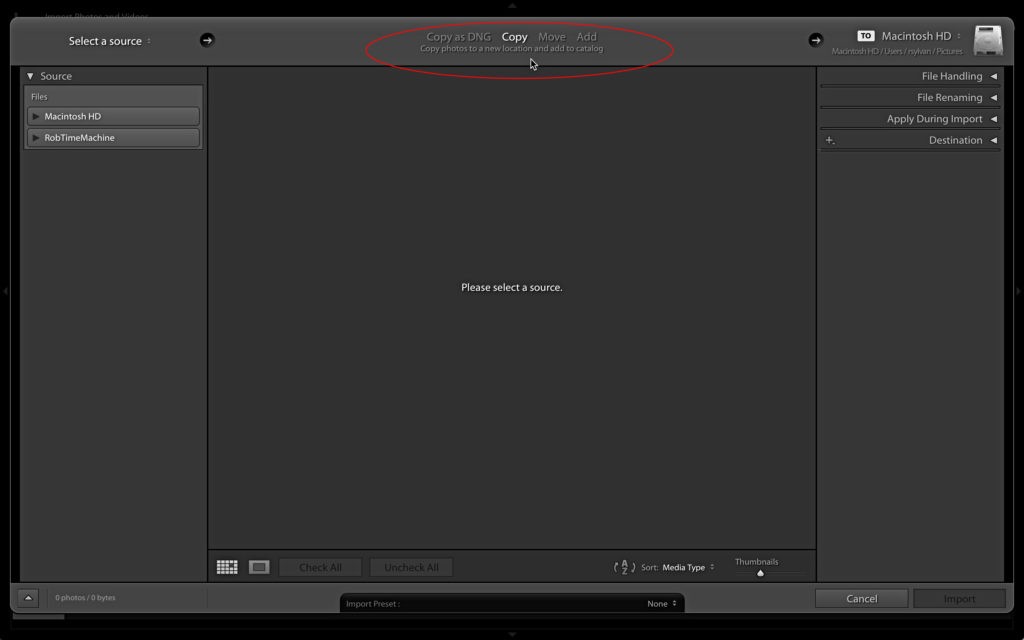
Alternative Import Options

Last week I discussed the most common route for importing new photos via the Import window. Now that we understand that importing only means adding information about each photo to the catalog, we can step…

View More Alternative Import Options

Lightroom Classic: 11 Reasons Why You Should Be Using Collections instead of Folders

Happy Monday, everybody. Hey, before we dig into this — thanks to everybody who came out to spend a few days with us last week in Orlando at The Photoshop World Conference. Both Rob and I…

View More Lightroom Classic: 11 Reasons Why You Should Be Using Collections instead of Folders

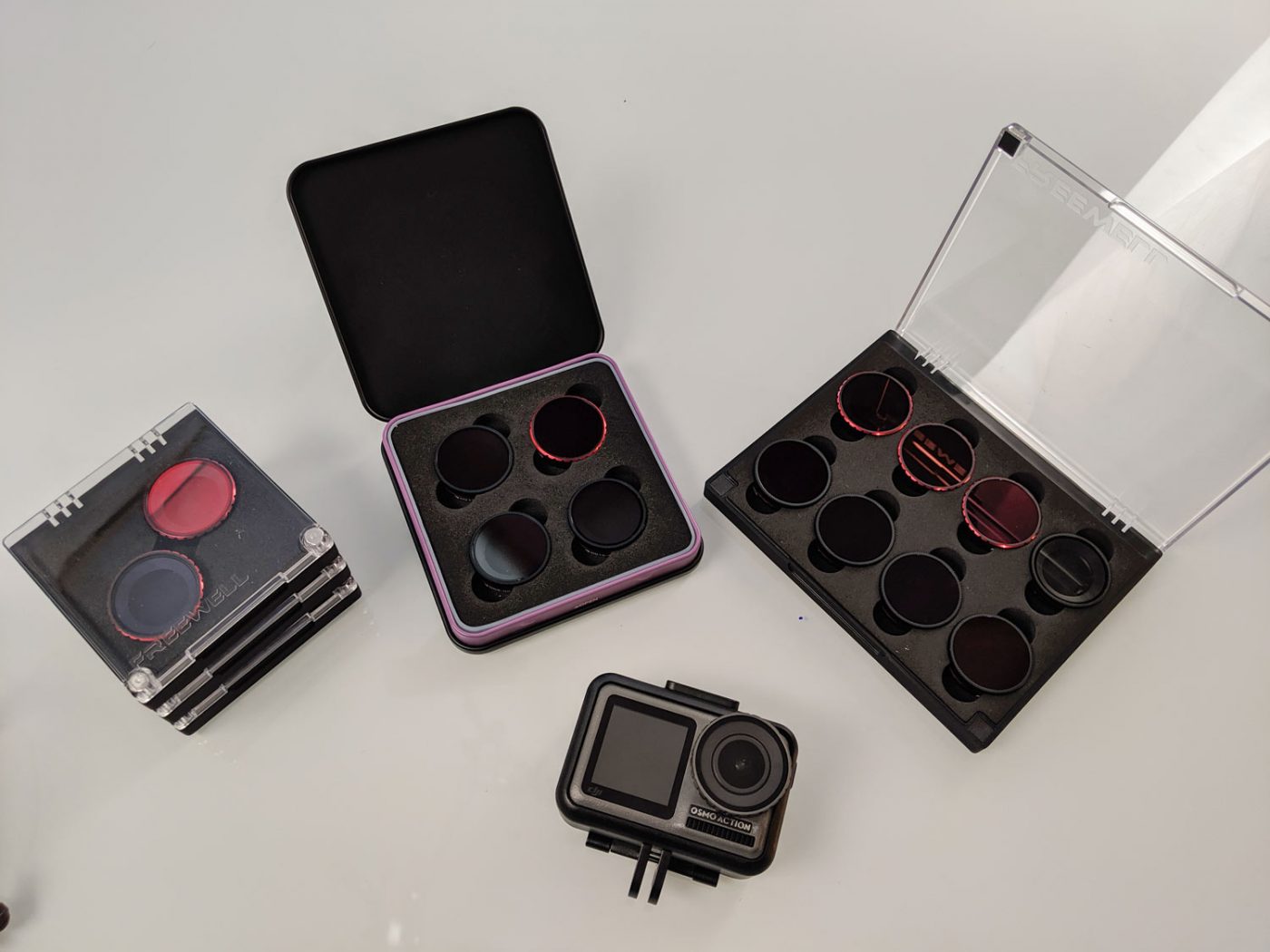
Photo + Video filters Filters explained: for DJI Osmo Action Camera

ND, Graduated Neutral Density, IR and Polarizing filters for DJI OSMO Action. Check out all the different filters I received from Freewell.I took them to the ocean and put them through their paces with both…

View More Photo + Video filters Filters explained: for DJI Osmo Action Camera

The May 2019 Issue of Photoshop User Magazine Is Now Available!

The May 2019 issue of Photoshop User is now live on the KelbyOne site and KelbyOne Mags for iOS and Android. In this issue, Sean McCormack takes us on a tour of Photoshop plug-ins that are dedicated to help speed up…

View More The May 2019 Issue of Photoshop User Magazine Is Now Available!

So Many Ways to Import

Importing is the most fundament aspect of using Lightroom Classic, and is also one of the least understood, which makes it the source of a great many problems. Because it is such a key aspect…

View More So Many Ways to Import

Posts pagination

Previous page Page 1 … Page 180 Page 181 Page 182 … Page 197 Next page
Schenectady Photographic Society
Established 1931
Site design by Sean P Sullivan
Copyright © SPS|Concepts
Terms of Service/Privacy Policy